
July 30, 2026
NetSuite Data Migration: A Practical Checklist
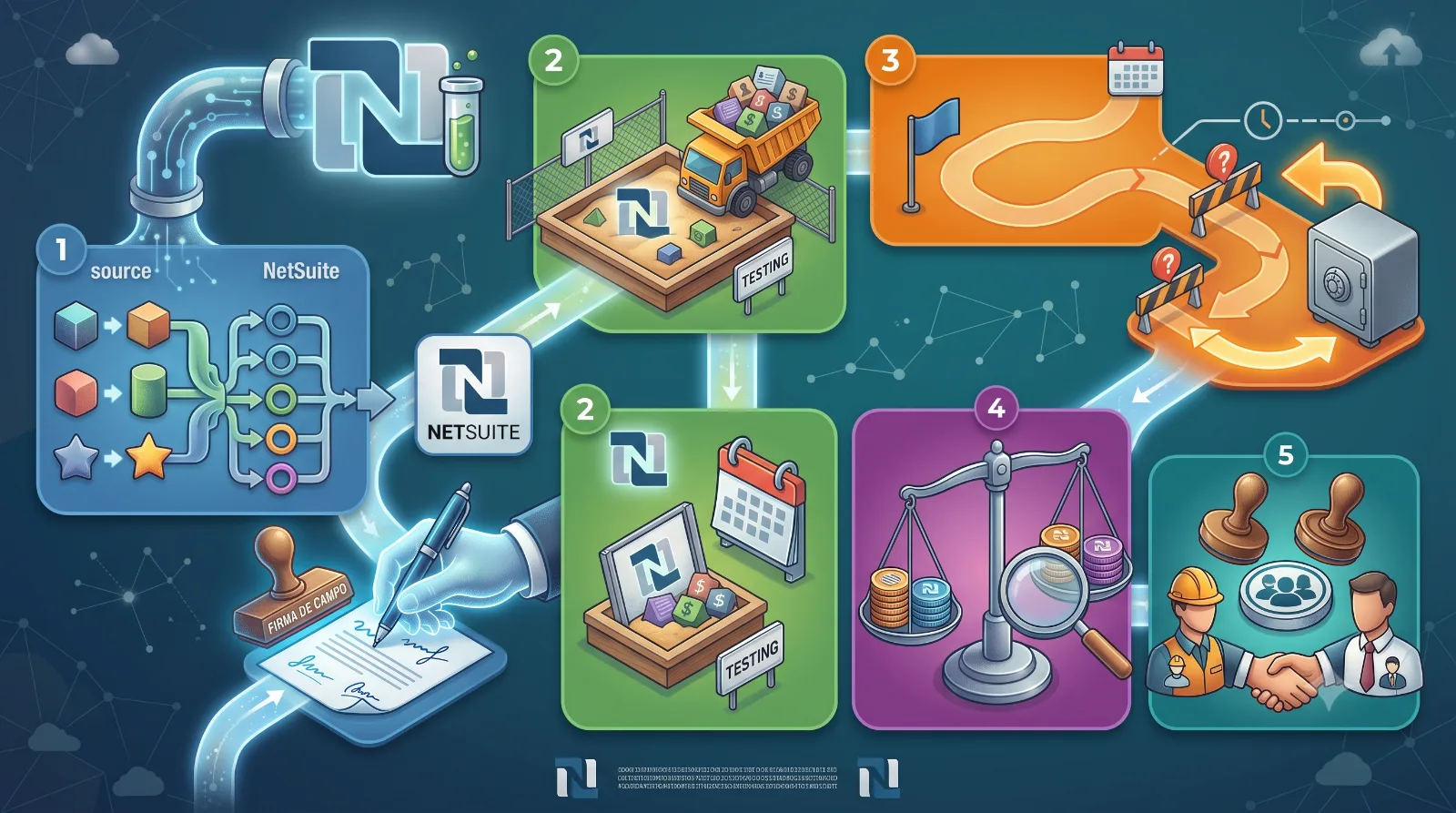
Data migration is where most NetSuite projects silently fail, not because the data is difficult to transfer, but because no one checked what "finished" really means before the deadline.
Before playing a single record
Start with an inventory, not a plan. List all the types of records that need to be migrated: customers, items, transactions, custom records, attachments. For each, note where it's currently located and who in the company uses it. Skipping this step is the most common reason migrations drag on: someone remembers a type of custom record in the third week that no one had considered in the first.
The checklist we actually run
- Field mapping approved in writing.
It's not a simple verbal "yes, it seems correct," but a spreadsheet that someone with domain knowledge has reviewed field by field. - A dry test in a test environment, with data simulating a production environment.
Clean test data hides problems that only become apparent with the chaos that real businesses actually have: duplicate customers, incomplete addresses, coins that no one remembers enabling. - Reconciliation counts before and after.
Row counts, total sums in key financial fields, and a random verification of a sample of records against the source system. - A reversal plan that has been tested, not just written.
If the migration fails at 80%, you need to know exactly what the "undo" option looks like before you start, not while it's happening. - Approval from someone who is not part of the project team.
A second opinion allows you to detect assumptions that those closest to the work have stopped questioning.
Aspects that we specifically observed in NetSuite
Saved searches and workflows that reference legacy internal identifiers are the most common cause of silent failures: the migration completes successfully, but three weeks later the report appears empty because it continues to point to record identifiers that are no longer resolved. We rerun all saved searches and workflows on the migrated data before finalizing a project, not just on transactional records.
If you're in the middle of a migration process and something is missing from this list, it's worth pausing to add it before going live, rather than discovering it the hard way later.